 DUCK
Free for Android · videos & sounds
Download TikTok videos on Android
Copy a TikTok link and Duck picks it up straight away. Pick a quality, keep the video, and watch it later with no connection.
Get Duck on Google PlayFree · Android · no account
How to download
- 01
Copy the link
On the video, tap Share, then Copy link.
- 02
Duck picks it up
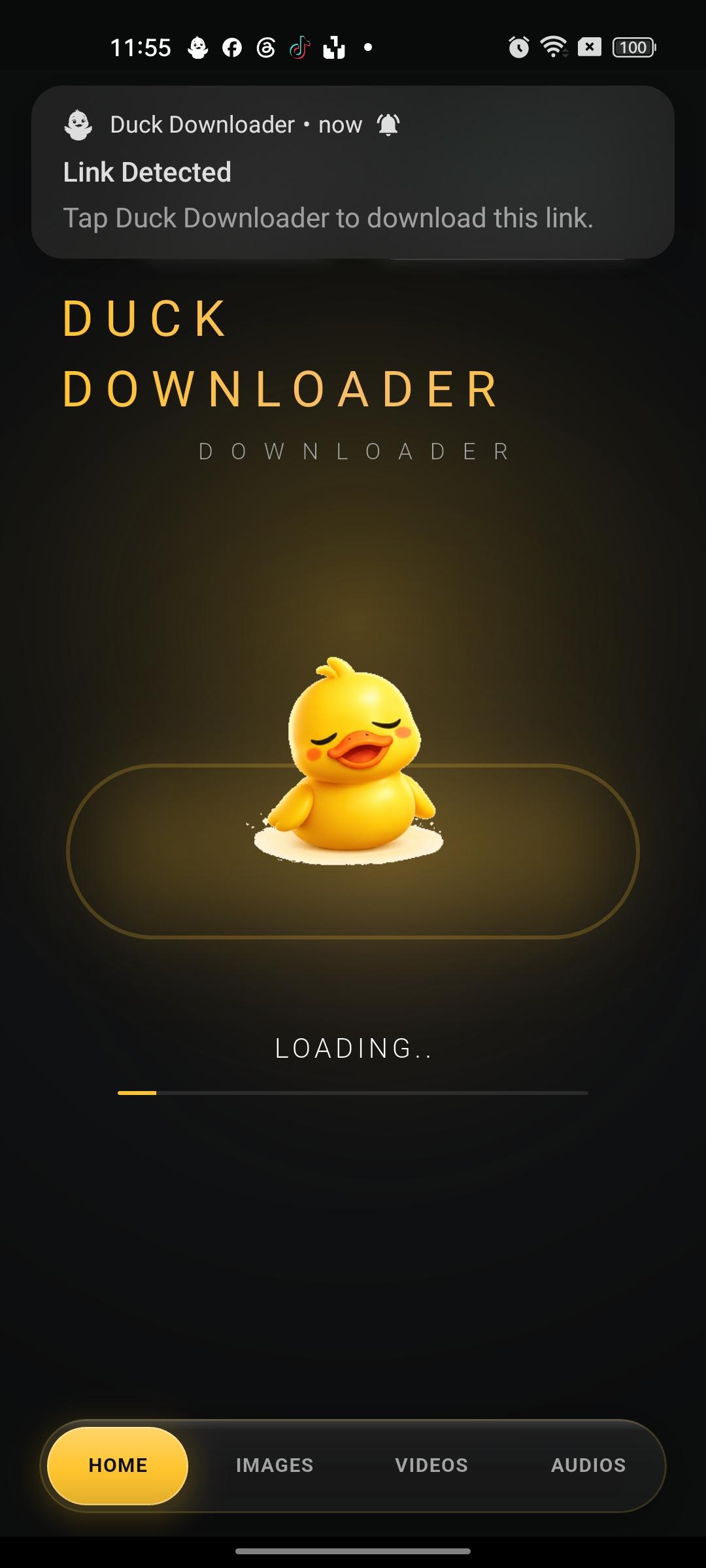
Copy a link anywhere on your phone and Duck offers to download it, no pasting needed.
- 03
Choose the quality
Duck lists the qualities the link really has, up to the highest, or audio only.
- 04
Watch it offline
It's saved to your phone and your gallery. Play it anytime, even with no connection.
What you can save
- Public TikTok videos
- The sound of a video, as an audio file
- Several videos one after another in the queue
Only download what you own or have permission to save. Duck reads public posts only, never logs into your accounts, and blocks adult content.
Questions
Can I save just the sound of a TikTok?
Yes. Choose audio when Duck shows the options and you get a sound file you can play in the background.
Why did a TikTok link fail?
Usually the source refused one request; trying again a few seconds later works. Private or removed videos can't be saved.
Is Duck Downloader free?
Yes. Every feature works in the free version, supported by ads. Premium removes the ads.
Is there an iPhone version?
Not yet. Duck is an Android app, on Google Play.
Is anything uploaded to a server?
No. Files are saved on your phone and stay there.