Features
What it actually does
Four things, each shown on the screen where it happens.
It notices before you ask
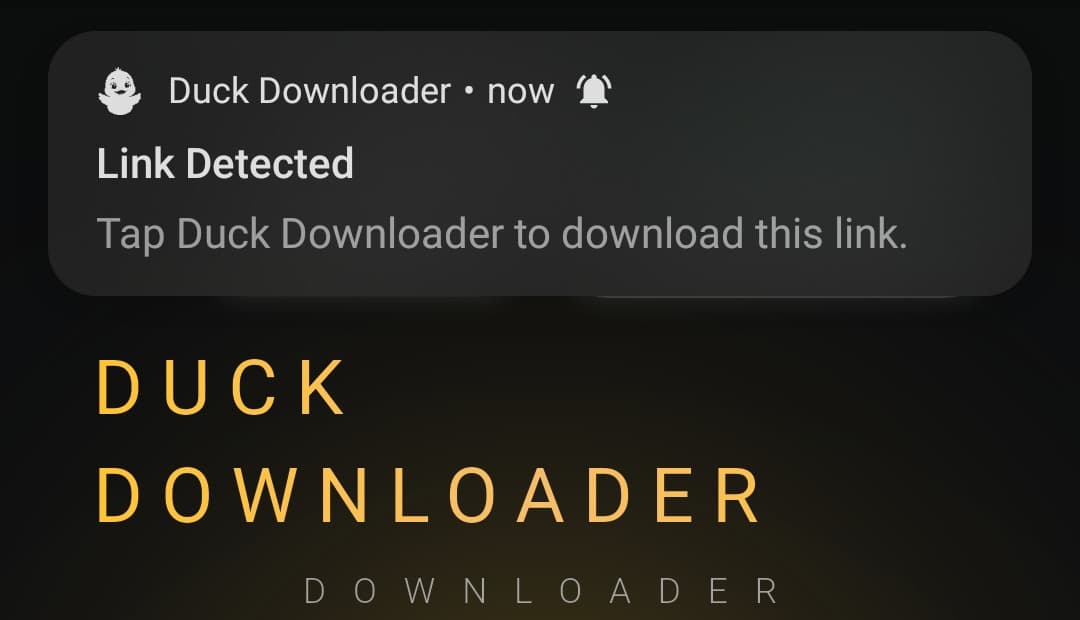
Copy a link anywhere on your phone and Duck offers to save it. No pasting, no opening the app first, no hunting for a download button that moved.
- Watches the clipboard, only for links it handles
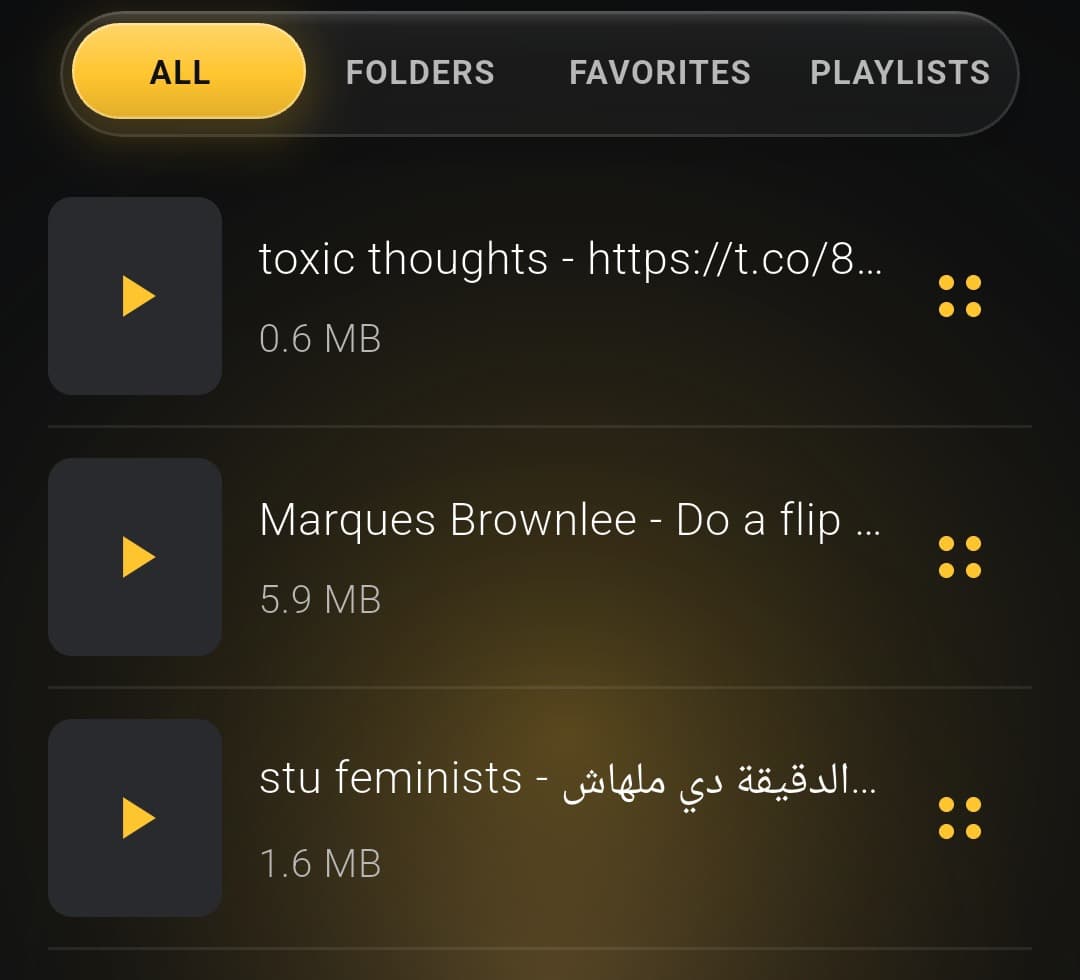
- Saved files play with no connection and no server
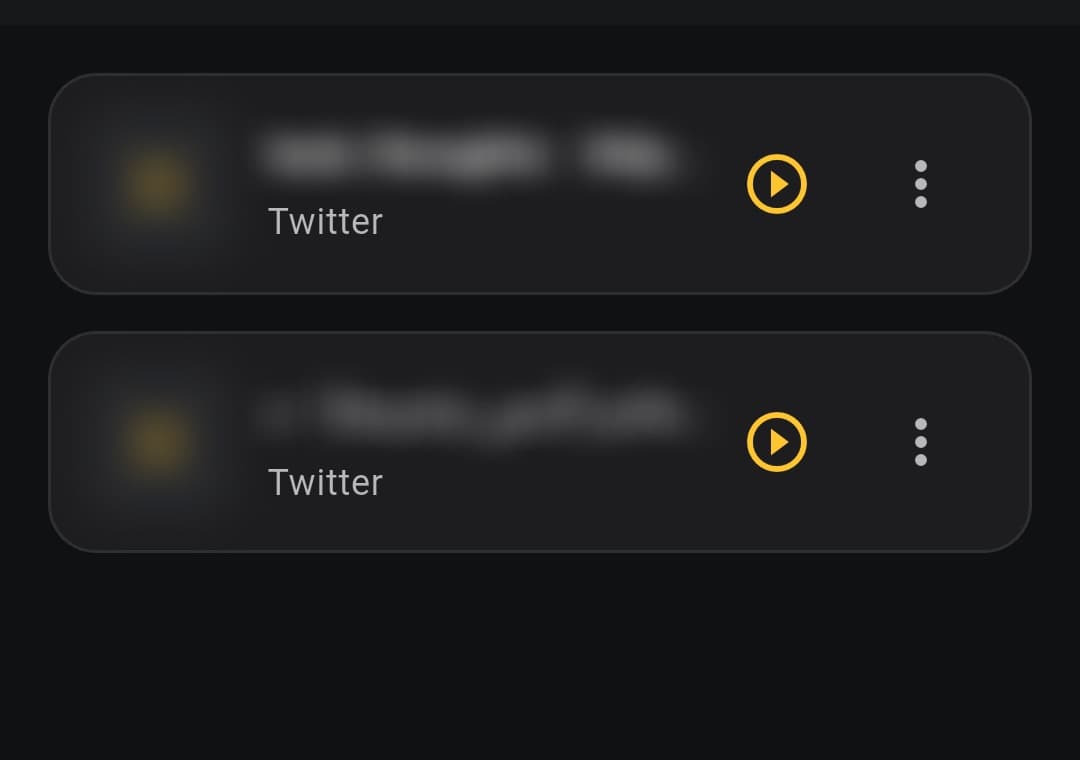
A vault that stays shut
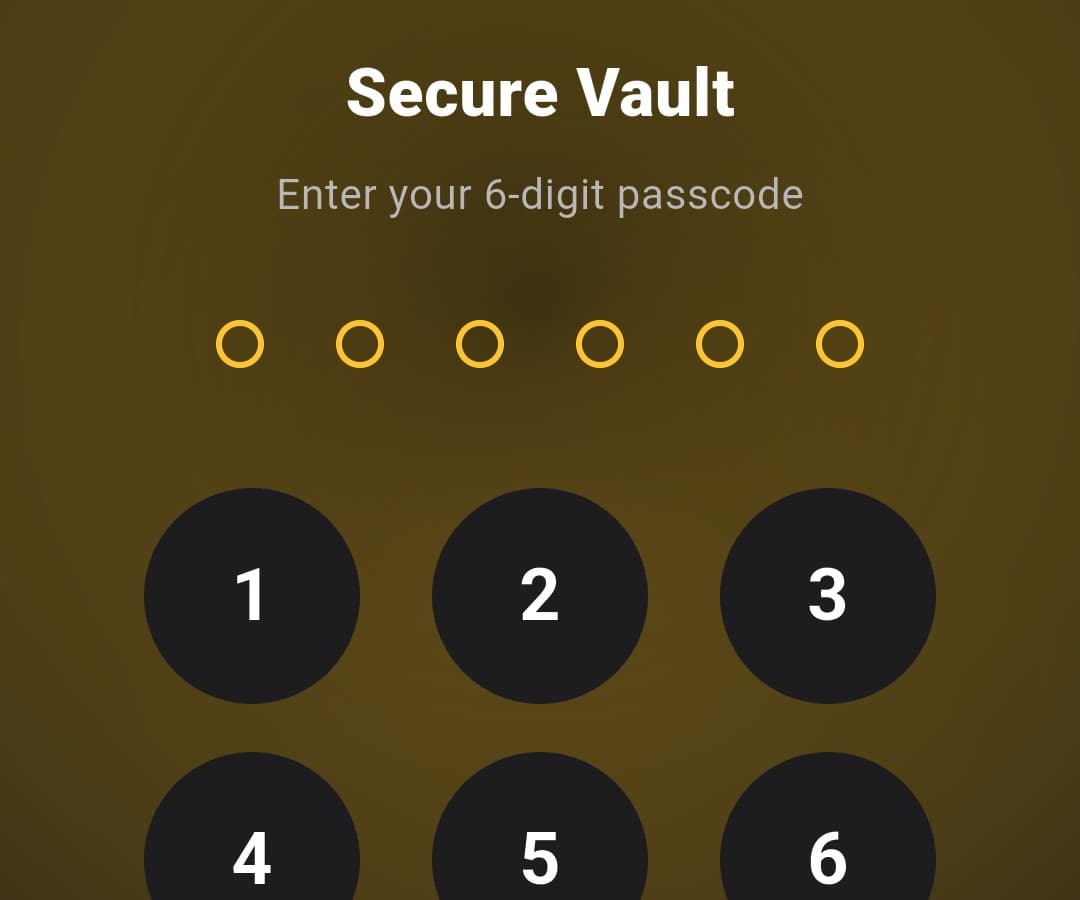
Files moved into the vault are encrypted on your device with AES-256, behind a six-digit passcode or your fingerprint. Names and thumbnails stay blurred until you ask for them.
The key never leaves the phone. A lost passcode means the files stay locked, including to us.
- The key is derived on the device, never uploaded
- Vault files never appear in the folder browser
A player worth staying in
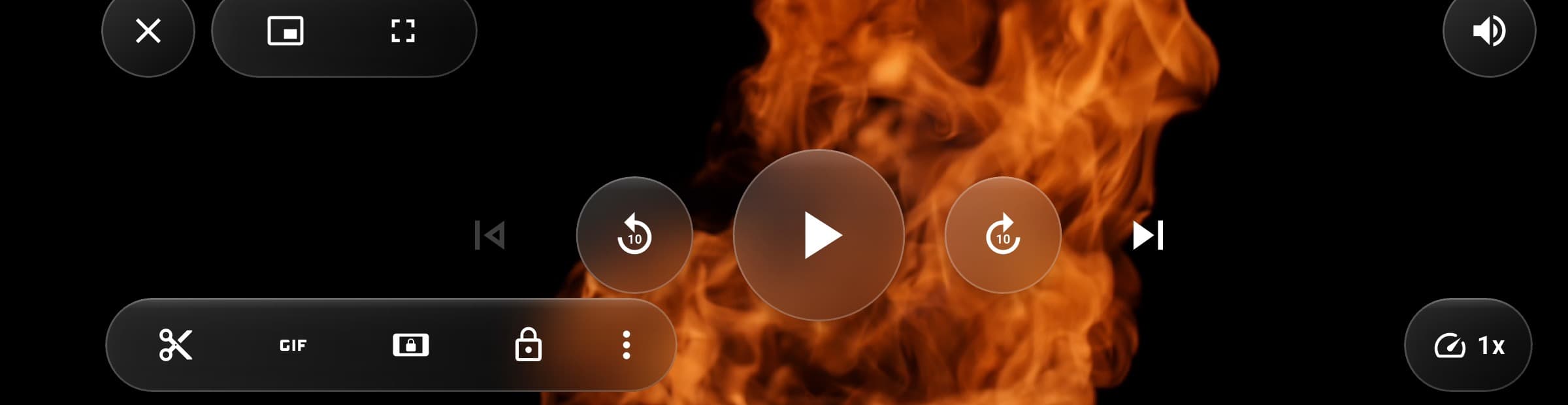
Background audio
Leave the app or lock the screen. Nothing to switch on.
Picture-in-picture
A floating window that stays on top of other apps.
Trim and convert
Cut a clip, pull the audio, make a GIF, change speed.
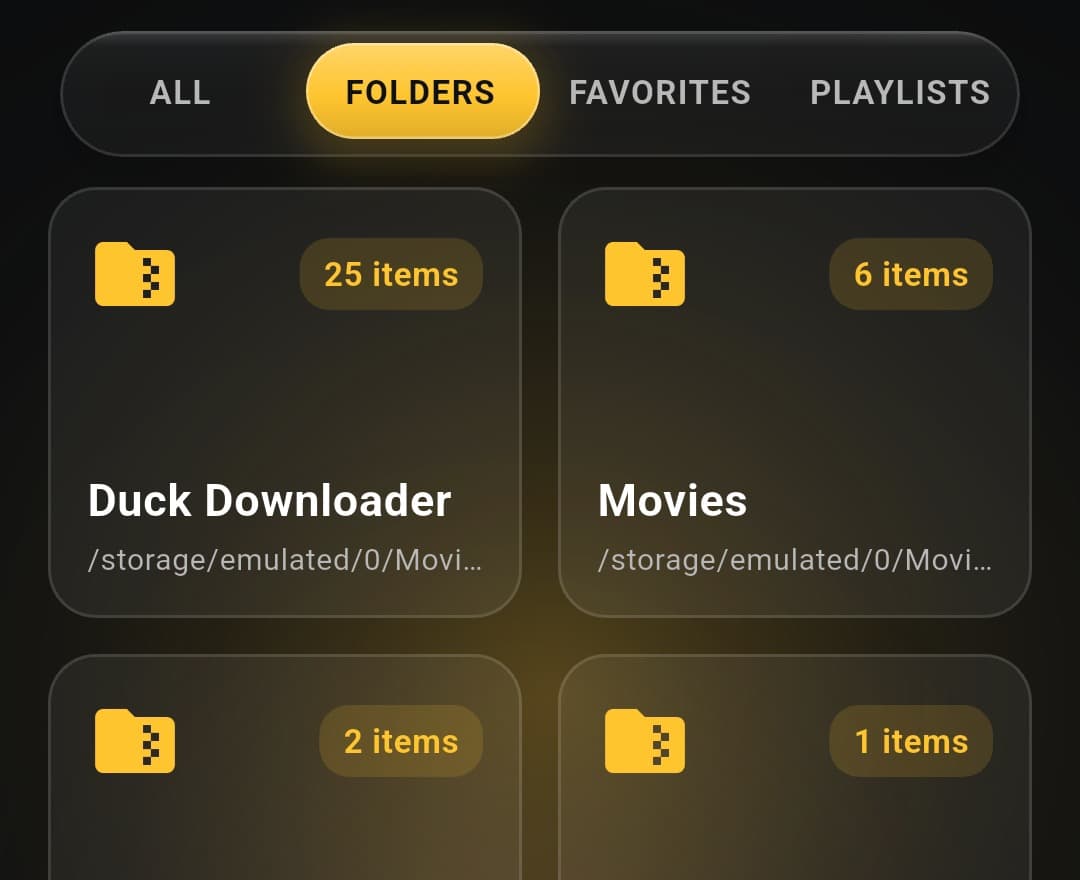
Every folder on the phone
Not only what Duck downloaded. Browse, rename, move and delete anything in your media library, and make folders of your own to file it into. Android asks for permission once, for the whole library, instead of once per file.
- Folders you make are real folders on the phone — your file manager and gallery see them too
- Deleting gives you a week to change your mind, and puts a file back where it was
- A storage screen that answers what is worth deleting, largest first