
Support
Ask, or read
The assistant answers from the same documentation below. It has no invented answers to give, so when it does not know, it says so.
Duck Support
Answers from the app documentation
اسألني أي حاجة عن Duck بالعربي أو بالإنجليزي. بجاوب من توثيق التطبيق نفسه، فلو مش عارف حاجة هقولك بدل ما أخمّن. Ask me anything about Duck, in Arabic or English.
Most asked
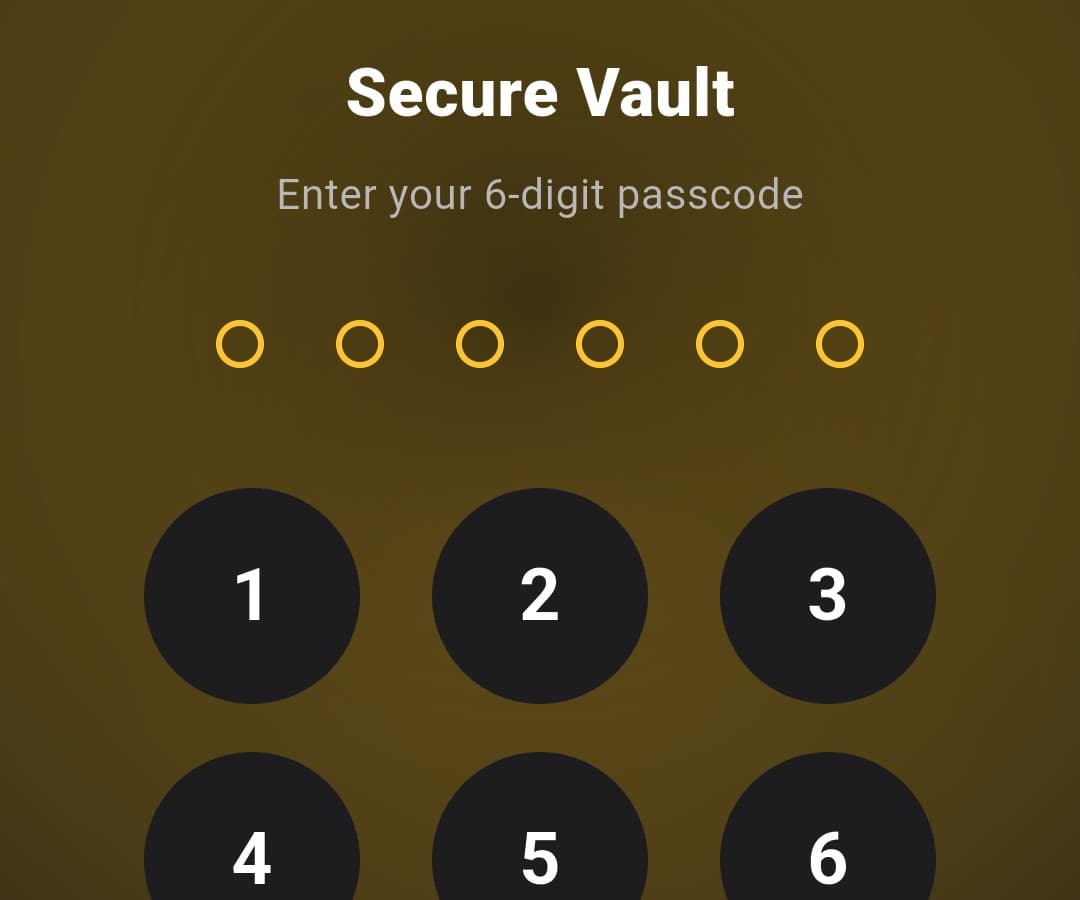
Forgot the vault passcode
There is no reset. The key is derived on your device, so no server holds a copy and nobody can open it for you.
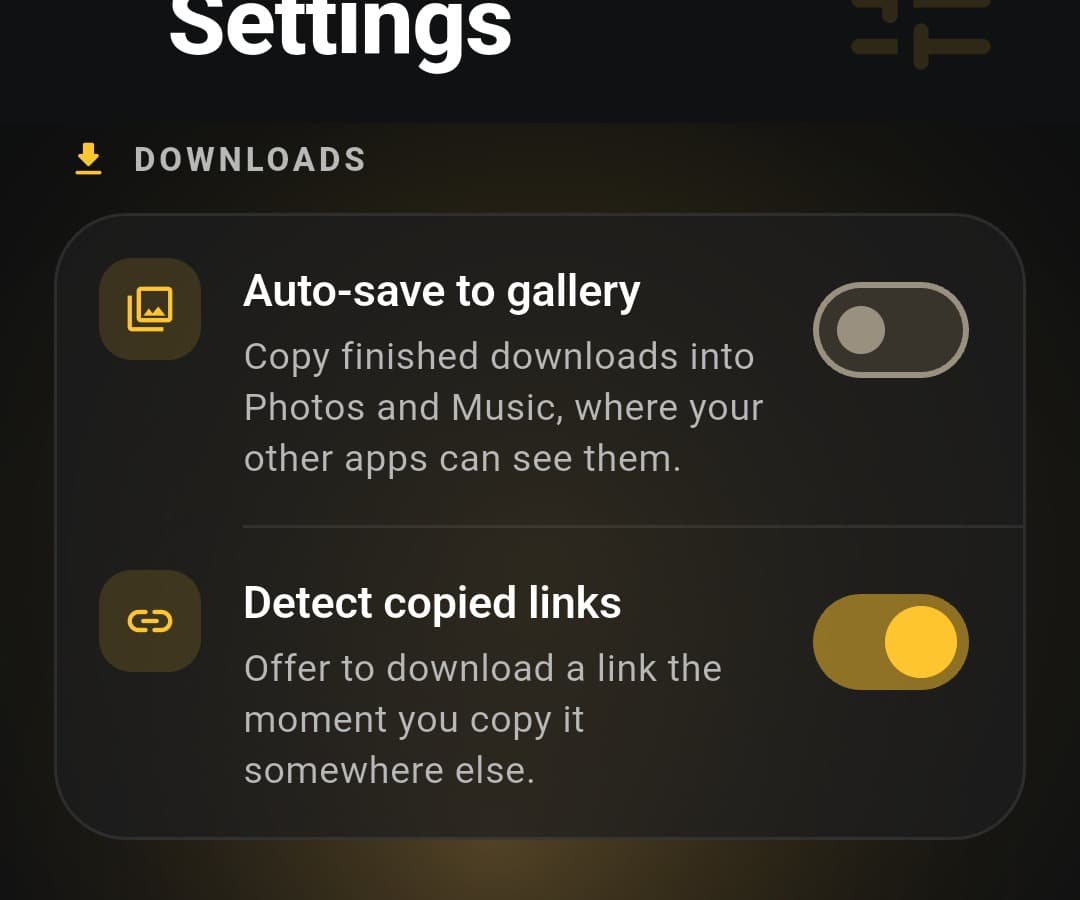
Turning things off
Link detection, auto-save and crash reports each have a switch in Settings.
Everything it knows
Downloading
Which links can Duck download?
Public posts from the major social platforms. Paste or copy a link and Duck reads what is available, then offers the qualities it found. Private accounts, anything behind a login, and DRM-protected or paid content are out of scope by design.
How does link detection work?
Copy a link anywhere on your phone and Duck offers to download it, without you opening the app first. You can switch this off under Settings, in the Downloads section.
Can I choose the video quality?
Yes. After Duck reads a link it lists the qualities that link actually offers, up to the highest the source provides. For high-resolution video it downloads the video and audio separately and merges them, which is why the progress bar moves in stages.
A download failed. What now?
Try the link again first: most failures are the source refusing a request that works seconds later. If it keeps failing, check the link opens in a browser without logging in. Duck cannot reach anything that needs an account.
The vault
What is the Secure Vault?
A private folder inside the app. Files moved into it are encrypted on your device with AES-256 and unlocked by a six-digit passcode or your fingerprint. Names and thumbnails stay blurred until you tap the eye icon, so a glance over your shoulder shows nothing.
I forgot my vault passcode.
The files stay encrypted and cannot be recovered. That is what makes it a vault: the key is derived on your device and never leaves it, so there is no server holding a copy and no reset link. Nobody, including us, can open it for you.
Why does the vault lock itself?
It locks when the app goes to the background, and after two minutes without use. It will not lock while something is playing, so a long video is never interrupted.
What happens to vault files if I uninstall?
They go with the app. Vault files are encrypted inside the app's own storage, so uninstalling deletes them and no backup exists. Move anything you want to keep out of the vault first.
Playing media
Can I keep listening with the screen off?
Yes, and there is nothing to switch on. Leave the app or lock the screen while a video plays and the audio continues, with a notification carrying play and pause controls.
Does Duck support picture-in-picture?
Yes. Tap the picture-in-picture button in the player and the video shrinks into a floating window that stays on top while you use other apps.
What can the player do?
Trim a clip, pull out the audio, make a GIF, change speed, and lock the controls so a stray touch does not pause anything. Gestures on the left and right edges control brightness and volume.
Your files
Where do my downloads go?
Into your device storage, under a Duck Downloader folder. With auto-save on, finished downloads are also copied into Photos and Music so your other apps can see them. Nothing is uploaded anywhere.
Can I manage files already on my phone?
Yes. The Folders tab browses every media folder on the device, not only what Duck downloaded, and you can rename, move and delete from there. Android asks for permission the first time, once, for the whole library.
Duck cannot see my folders.
Android is holding back media access. Open your phone's Settings, find Duck Downloader under Apps, and allow access to photos, videos and music. Then reopen the Folders tab.
Premium
What does Duck Premium include?
No ads, faster processing, and early access to new tools. Everything else, including downloading and the vault, is in the free version.
I paid but Premium is not showing.
Open Duck Premium in the app and tap Restore Purchases, using the same Google account you paid with. If it still does not appear, message support with the account email and the app rechecks with the store.
How do I cancel my subscription?
Through Google Play, not through Duck: open the Play Store, tap your profile, then Payments and subscriptions. Cancelling stops the next renewal and Premium stays active until the period you paid for ends.
Does Premium work offline?
Yes. Duck rechecks with the store when it can, and Premium keeps working for a week between successful checks, so losing signal never costs you what you paid for.
General
What data does Duck collect?
Nothing about what you download. Files and links stay on your device. The app sends anonymous crash reports so bugs can be fixed, and you can switch that off under Settings, in the Privacy section. Ads in the free version are served by Google AdMob.
Is there an iPhone version?
Not yet. Duck is an Android app today. There is no release date for anything else worth promising.
Is Duck free?
Yes. Every feature works in the free version, supported by ads. Premium removes the ads and speeds up processing.
Still stuck?
Message support directly. Include what you were doing and what happened instead, and it gets sorted faster.