Android and Windows available

Duck Downloader

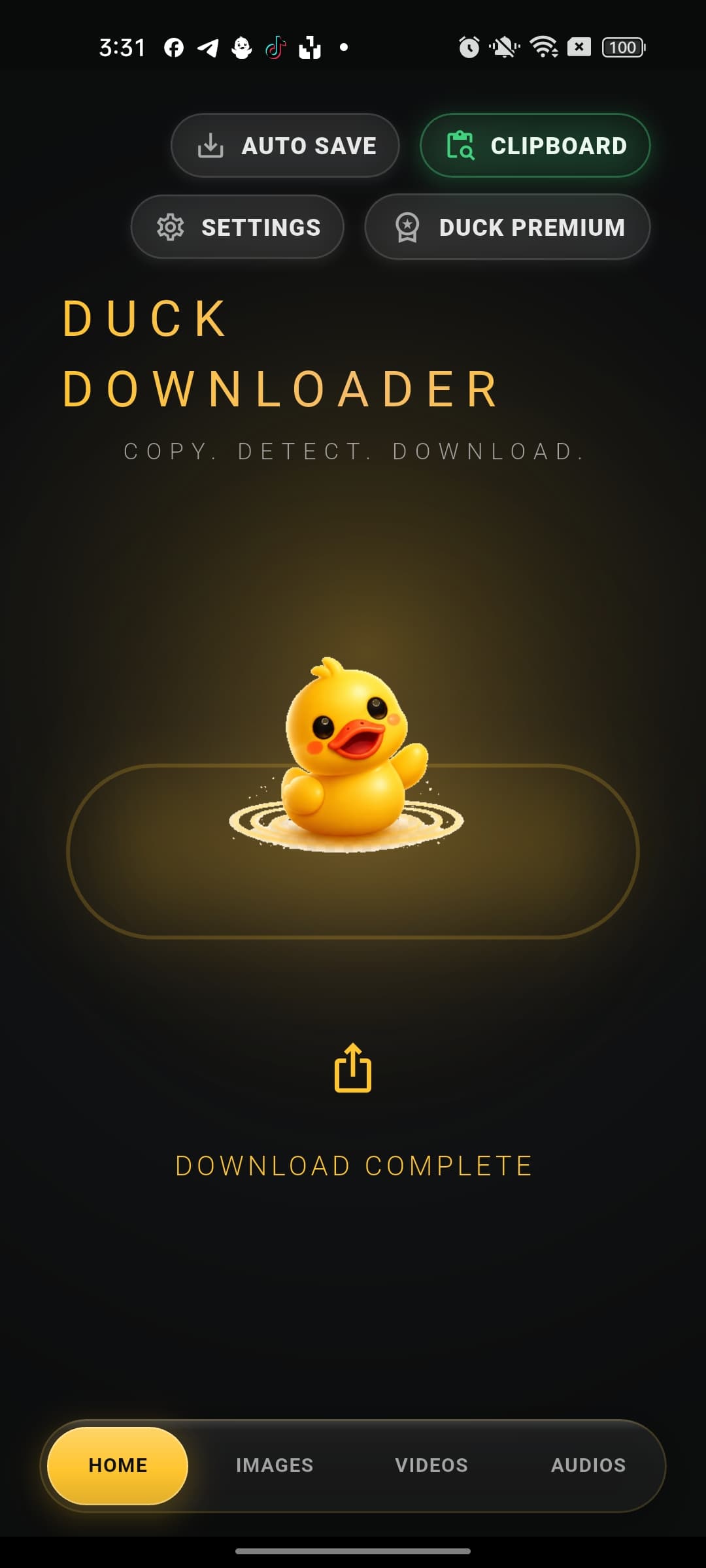
Copy. Detect. Download.

A calm, simple downloader for public social media links. Copy a link, tap Duck, choose video or audio, and keep the file locally.

Public links only Real download queue Video and audio
Duck Downloader
Copy a link from any social media and tap the duck to download.
Duck loading state
Downloading...
42% - live queue progress
Download Queue3
Public video link
83%Video
Audio extraction
40%Audio
New clipboard link
0%Video
Built for quick saves

Everything stays simple, visible, and local.

Duck keeps the product focused: one main action, clear options, real progress, and a local library for completed media.

One tap flow

Copy a public link, tap the duck, choose video or audio, then watch real progress.

Download queue

Multiple downloads can keep moving together with per-item status and progress.

Local library

Downloaded videos and audios are organized locally with thumbnails and file actions.

Backend engine

Duck uses a FastAPI service with yt-dlp and FFmpeg for public supported sources.

How it works

From clipboard to saved file in one clean flow.

The interface is built around the duck button, so the user never has to hunt through forms or hidden pages before starting a download.

  1. 01

    Copy a public social media link.

  2. 02

    Tap the duck to detect and extract options.

  3. 03

    Pick video or audio quality.

  4. 04

    Download locally and manage it from your library.

Platforms

Starting with Android and Windows.

The first public release targets mobile and desktop users. Download buttons are parked in Coming soon state until release files are ready.

Android

Available

Mobile app for copying public links and saving media locally.

Windows

Available

Desktop app with clipboard reading, queue progress, and local library.

Privacy and safety

Designed for public content, not protected content.

Duck does not bypass DRM, private accounts, login walls, or protected content.

Audio is never auto-saved to gallery; video auto-save remains a user choice.

The app stores downloads locally with user-controlled delete and share actions.

FAQ

Clear answers before release.

Is Duck available now?

Android and Windows are the first supported platforms. Public download links are marked Coming soon until the release files are published.

Does Duck download private or protected media?

No. Duck is designed for public links only and does not bypass DRM, logins, or protected content.

Does the site include real installer links?

Not yet. The buttons intentionally show Coming soon so there are no broken or fake downloads.

Where do downloads go in the app?

The apps save real files locally and keep metadata such as title, thumbnail, quality, and status in local storage.